Customers and products
Masters stay the same on both sides.
Two way sync between Proxima and Tally Prime, Zoho Books, SAP Business One or SAP S/4HANA. No more typing field orders into the accounts.
Free demo login after the call. No commitment.
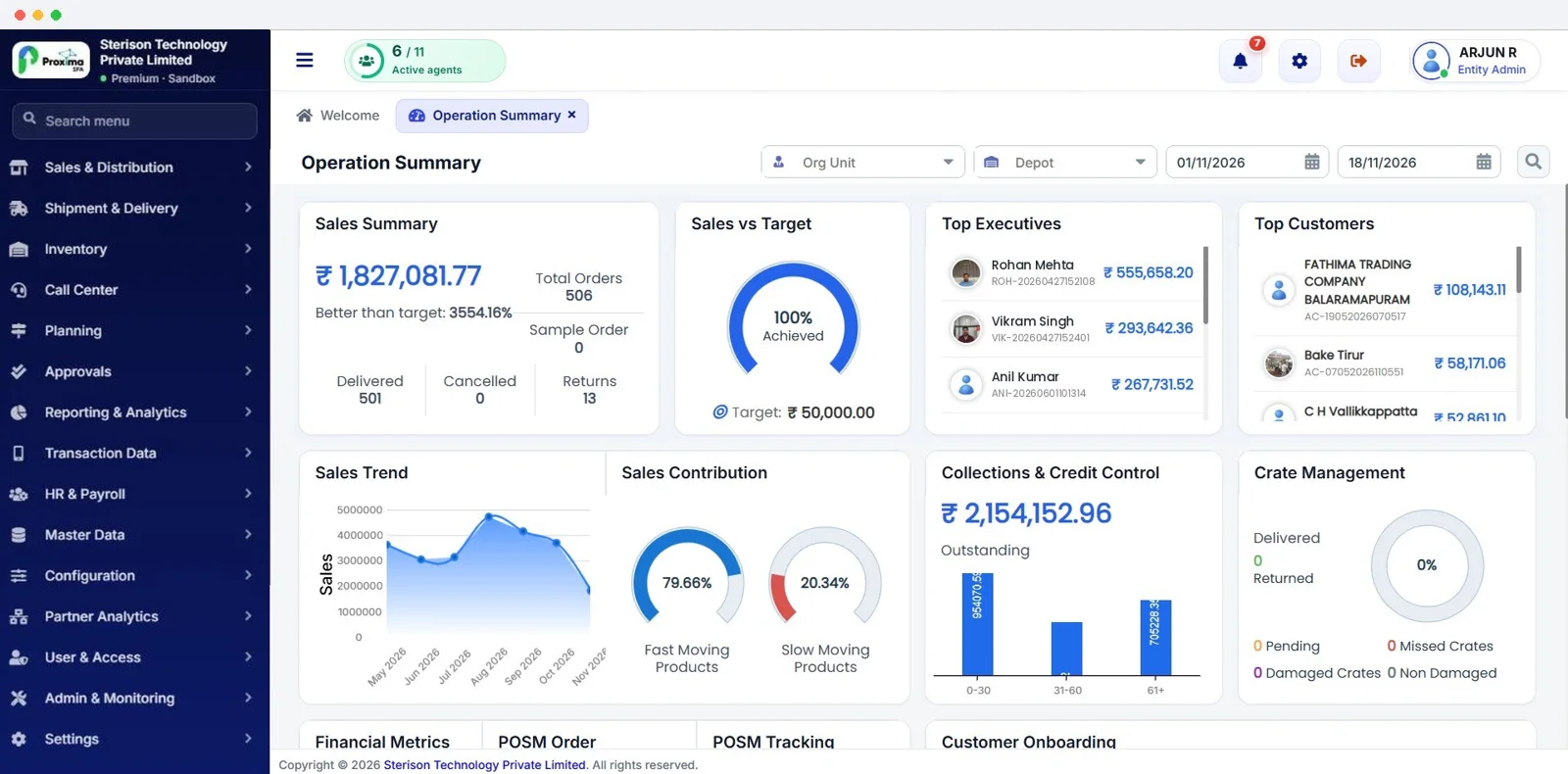
Proxima Connect is the integration app that links Proxima with your accounting software. It syncs customers, products, orders, invoices, credit notes, payments, purchases, stock and expenses with Tally Prime, Zoho Books, SAP Business One and SAP S/4HANA, using an integration licence and an integration user.
Masters stay the same on both sides.
Field orders and invoices reach the books.
Returns and credit notes follow.
Collections in the field are posted against the right invoice.
Purchases and stock levels in step.
Rep expenses reach accounts.
Tally Prime, Zoho Books, SAP Business One and SAP S/4HANA. For other systems we build a custom integration.
Customers, products, orders, invoices, credit notes, payments, purchases, stock and expenses.
Proxima sends orders, invoices, returns, payments, purchases, stock and expenses to your books. Customers, products and suppliers match in both directions, and can also be created in Proxima from your books if you switch that on.
An integration licence and an integration user, set up during onboarding.
A 20 minute demo in English, Tamil, Malayalam or Hindi, then a demo login to try every feature yourself.