Cart and placing the order
How to
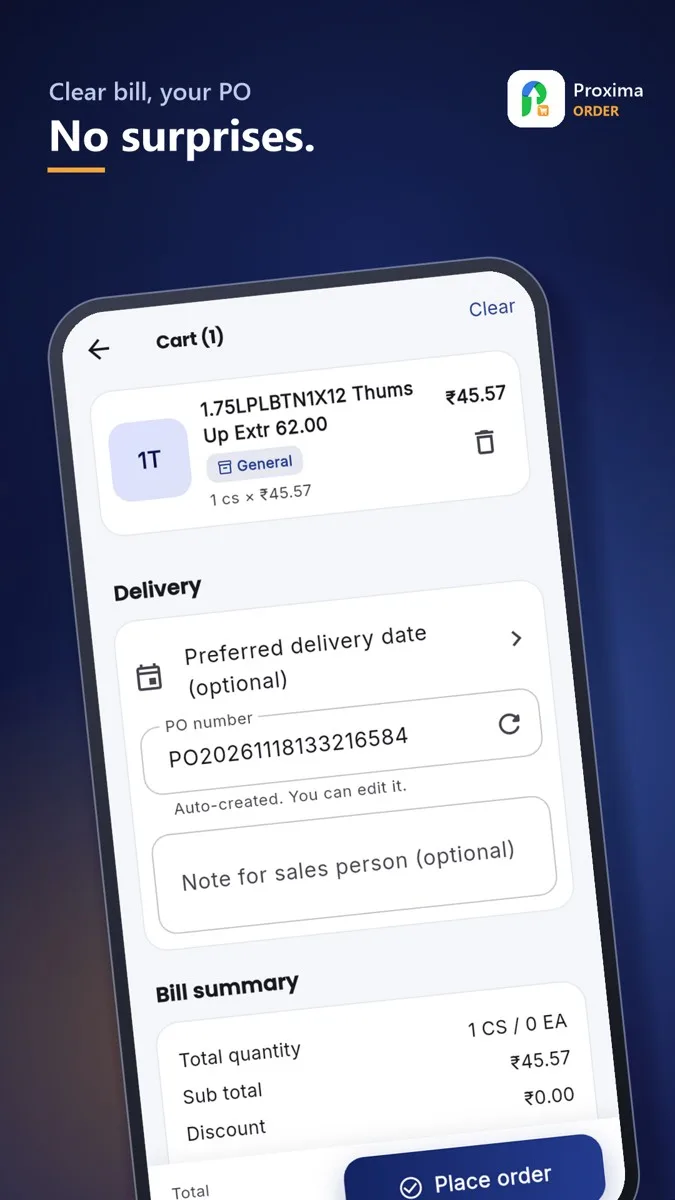
- Open the Cart. Check the quantities, the offers applied and the total.
- Add your own PO number if you use one.
- Tap Place order. You see the order number at once.
Note
If your supplier has a minimum order (value, quantity or number of products), the cart shows what is missing. If your account is over its credit limit or has overdue invoices, the app may warn you or ask you to pay first.
Still stuck?
Message our support team on WhatsApp in English, Tamil, Malayalam or Hindi.