Signing in
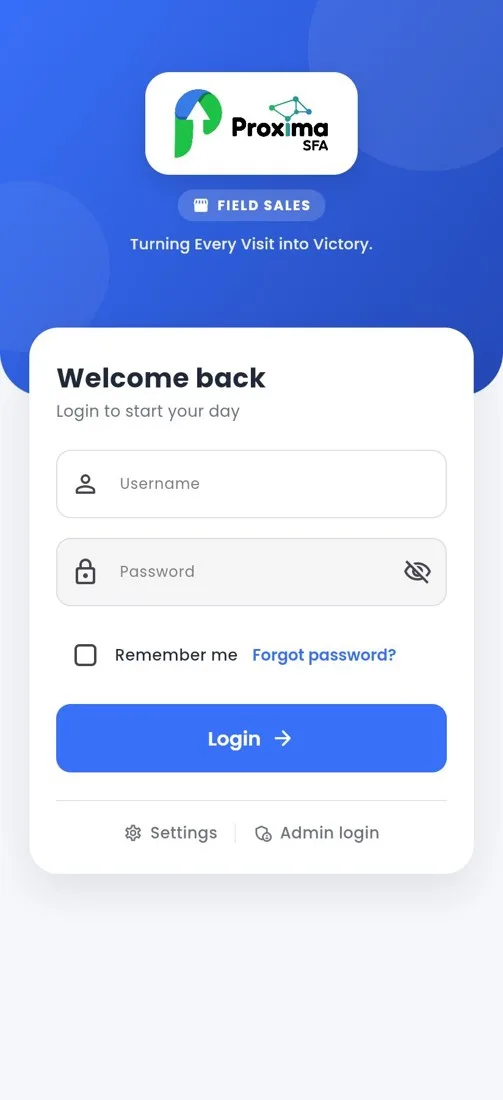
Login screen
How to
- Enter the username (e-mail) and password your administrator created for you in Proxima Nexus.
- Tick Remember me on your own phone.
- Tap Login. The first time, the app downloads your data (“Setting things up”); then the dashboard opens.
Still stuck?
Message our support team on WhatsApp in English, Tamil, Malayalam or Hindi.