A rep's day from start to finish
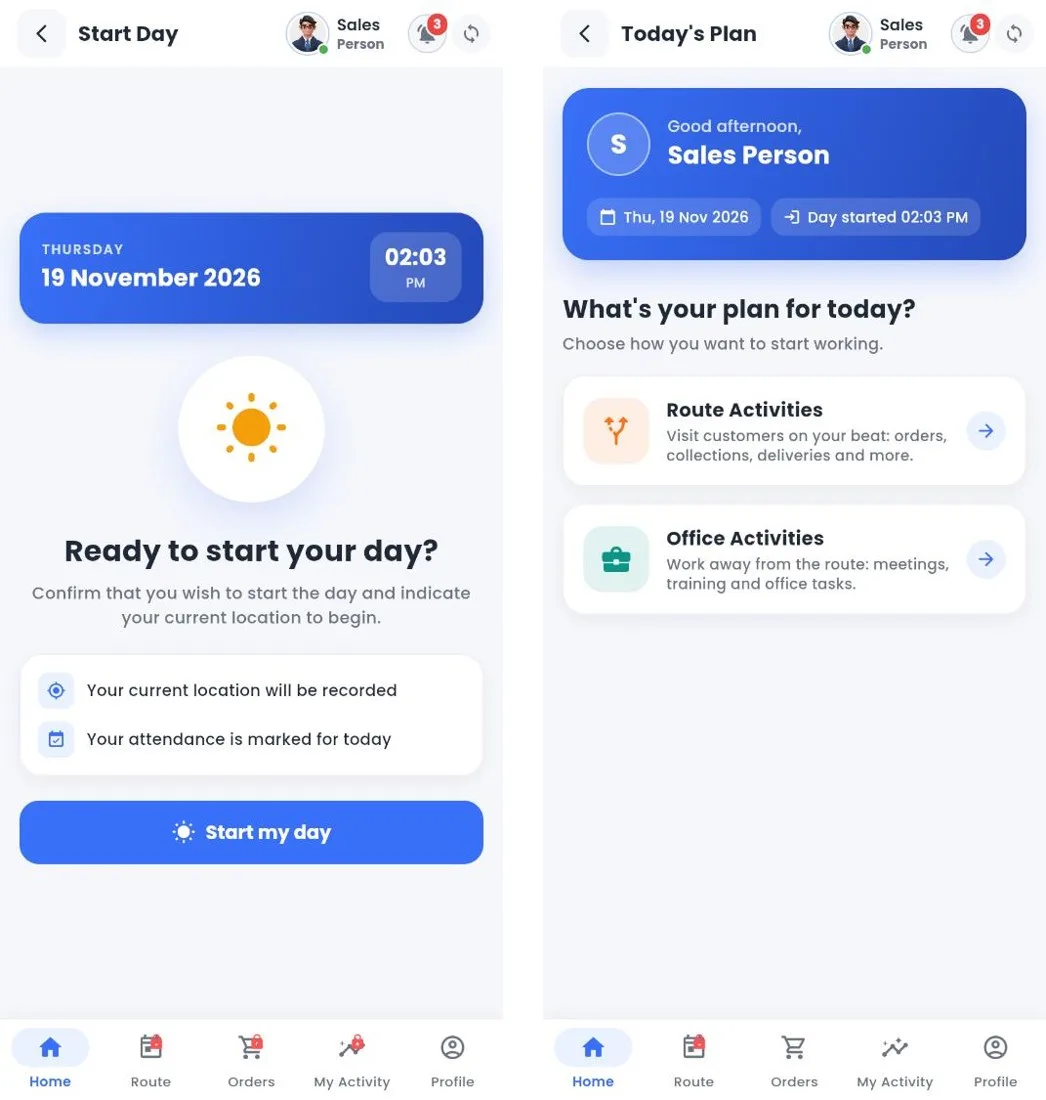
Every field day in Proxima has the same shape. Knowing it helps you train reps, set the right rules and read the reports.
| Step | What the rep does | What Proxima records |
|---|---|---|
| 1. Start my day | Taps Start, takes the attendance photo if required, and picks Route Activities or Office Activities. | Attendance time, location and selfie. |
| 2. Open the route | Chooses today's beat and the route type, enters the start odometer and checks the truck load for van sales. | Route start, vehicle, helpers, opening van stock. |
| 3. Visit customers | Starts each visit at the shop, then takes orders, collects payment, delivers, runs surveys, counts stock, takes returns and handles POSM. | Visit time in and out, GPS check against the shop, every transaction. |
| 4. Skip a shop if needed | Marks No Visit with a reason, such as outlet closed or customer not available. | The missed visit and its reason. |
| 5. End the route | Ends the beat and enters the end odometer. | Route distance, GPS and odometer km. |
| 6. End my day | Syncs until nothing is waiting and ends the day. | Check out time and hours worked. |
Work away from the route, such as training or a meeting, is recorded as an office activity with a timer, so the day still adds up.
Tip
Walk new reps through one full day on a test beat before they go live. Most first week questions are about step 2 and step 6.
Related guides: Start my day · The route plan · End of day.
Still stuck?
Message our support team on WhatsApp in English, Tamil, Malayalam or Hindi.