Setting sales targets and KPIs
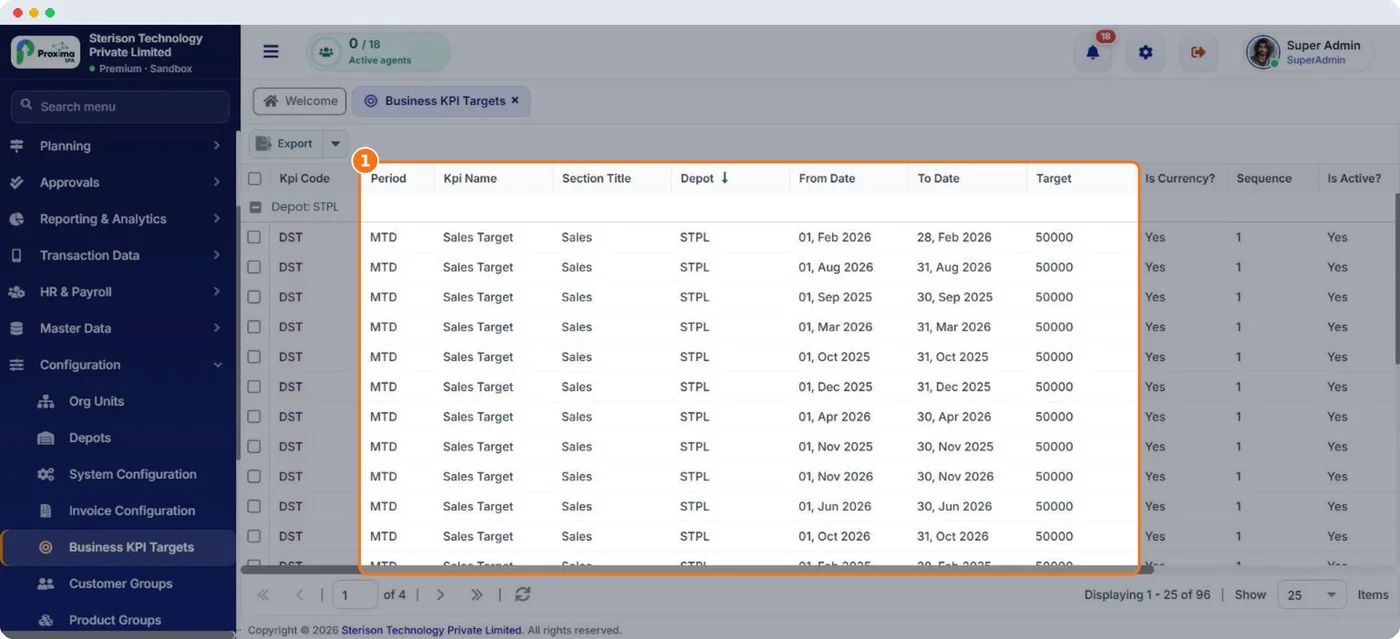
Targets turn reports into a scorecard. Once set, Proxima shows target against actual on the Operation Summary, the rep's dashboard in the field app and Command Center.
How to
- Open Configuration › Business KPI Targets and add a target.
- Choose the KPI, for example the sales target, and the section it appears under.
- Choose who it is for: a depot or a rep by user code.
- Set the period (for example month to date) with its From Date and To Date, and the target value. Tick Is Currency? for money targets.
- Set the sequence to control the order the KPIs appear in, and save.
Tip
Set targets per rep, not only per depot. Reps who see their own target and achievement on the phone every morning sell to it.
Tip
Review targets monthly. Use the previous months in Field User Performance as the starting point.
Related guides: Business KPI targets · The rep's dashboard · Key numbers in Command Center.
Still stuck?
Message our support team on WhatsApp in English, Tamil, Malayalam or Hindi.