Setting up the call center
How to
- Create a user for each tele caller in User & Access › Users with a Nexus licence and a role that can open the Connect Desk, Call Reports and Sales Orders.
- Make sure customers have correct phone numbers. The call queue is only as good as the numbers in it.
- Decide which customers the call center owns, for example by depot or by executive, and tell tele callers which filter to use.
- Agree the call script and when to use each call status, especially Visit Assigned.
- Plan how phone orders reach the shop: the depot confirms them daily and they go out on delivery routes.
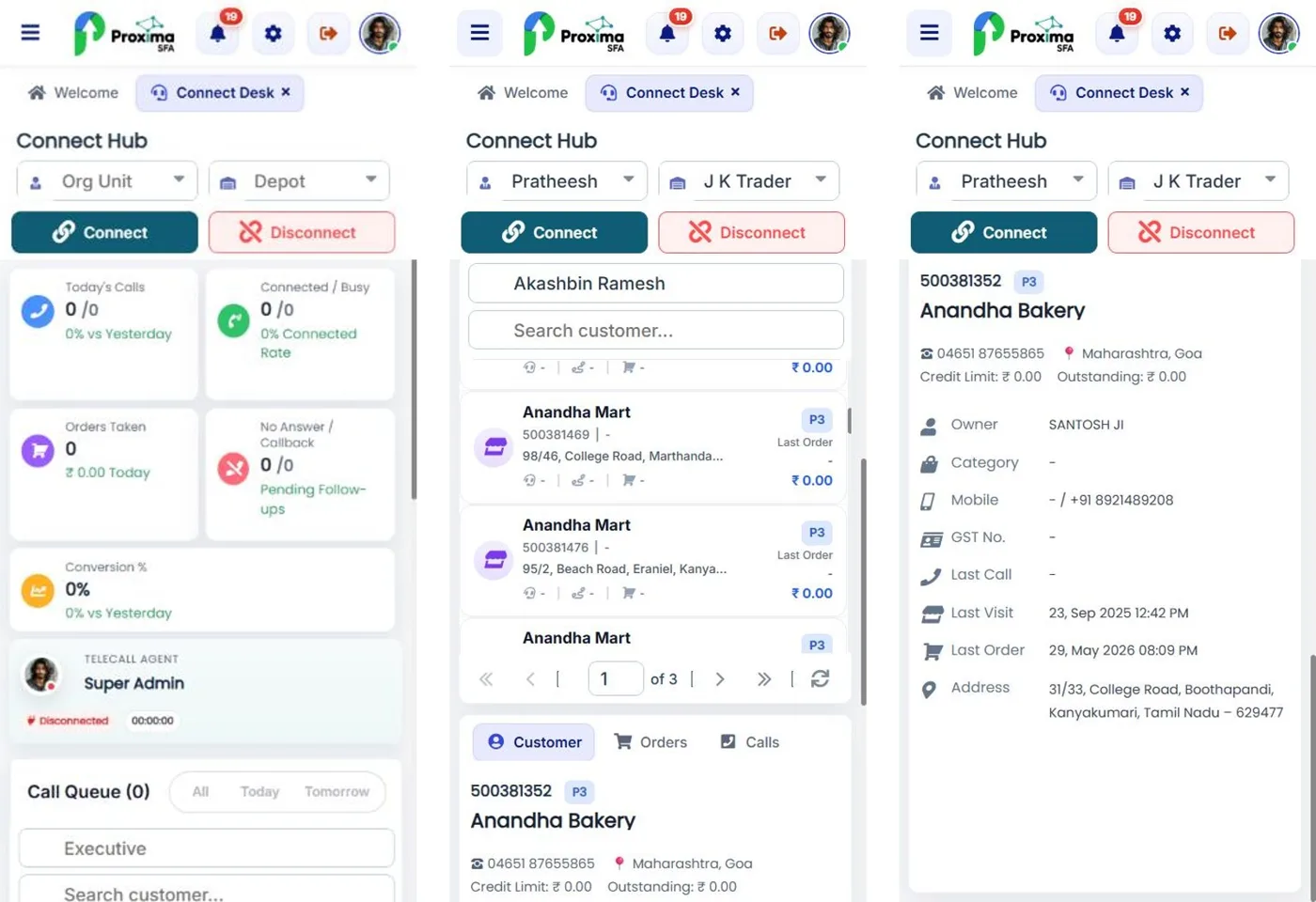
The Connect Desk works on a laptop, a tablet or a phone, so a tele caller can work from home or from the depot.
Tip
Begin with one caller and one depot for a month. Measure the orders taken by phone, then add callers where it pays.
Related guides: Using the call center on a phone or tablet · Role permissions.
Still stuck?
Message our support team on WhatsApp in English, Tamil, Malayalam or Hindi.