Customer and distributor stock
Selling in is only half the story. Proxima also shows what sits on shop shelves and in your distributors' warehouses, so you can plan the next order and spot slow stock.
Shop stock counts
Reps count the shop's own stock during a visit with Stock Count. The counts appear in Transaction Data › Customer Stock by customer, rep and date, and by brand in the Operation Summary. Use them to suggest the right order quantity and to see sell out between visits.
Distributor stock and orders
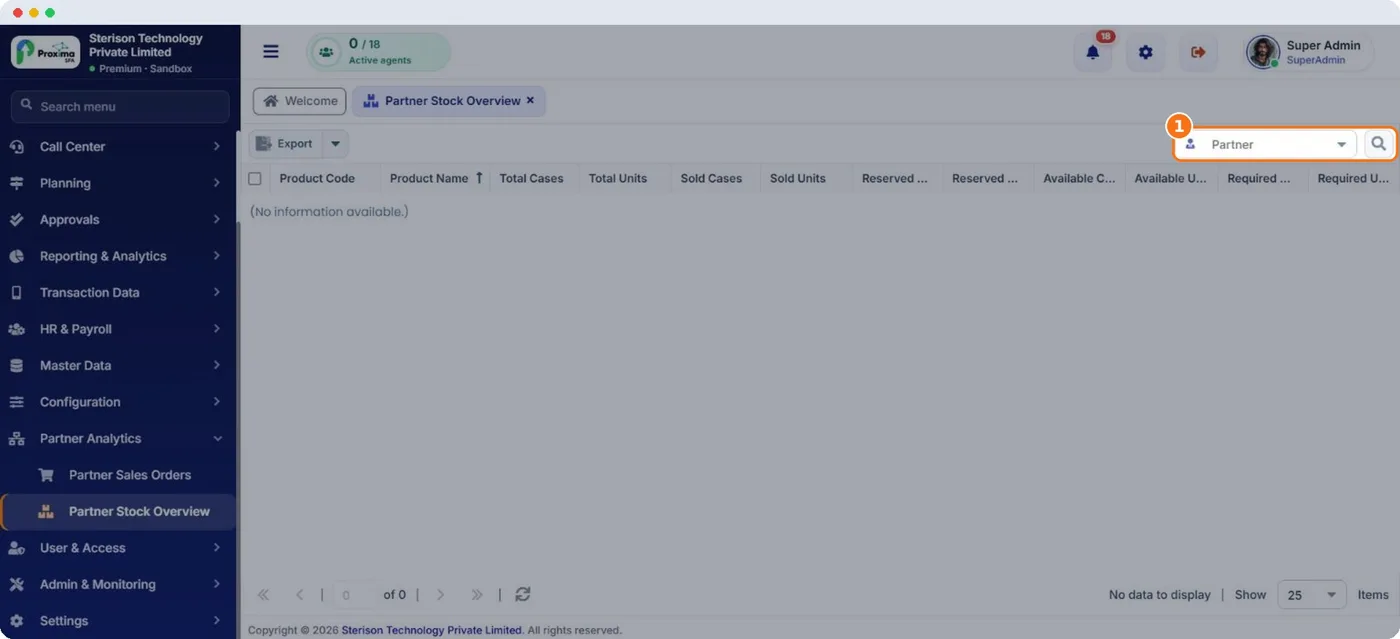
When distributors run on Proxima, Partner Analytics gives the manufacturer a view into their business:
- Partner Stock Overview: total, reserved, sold, available and required stock for the chosen partner.
- Partner Sales Orders: the partner's orders for a period, with the same order actions as your own Sales Orders.
Review partner stock before your monthly primary order meeting. A distributor holding weeks of one product does not need more of it.
Related guides: Stock count (field app) · Partner stock overview · Partner sales orders.
Still stuck?
Message our support team on WhatsApp in English, Tamil, Malayalam or Hindi.