Loaded stock, returns and trade returns
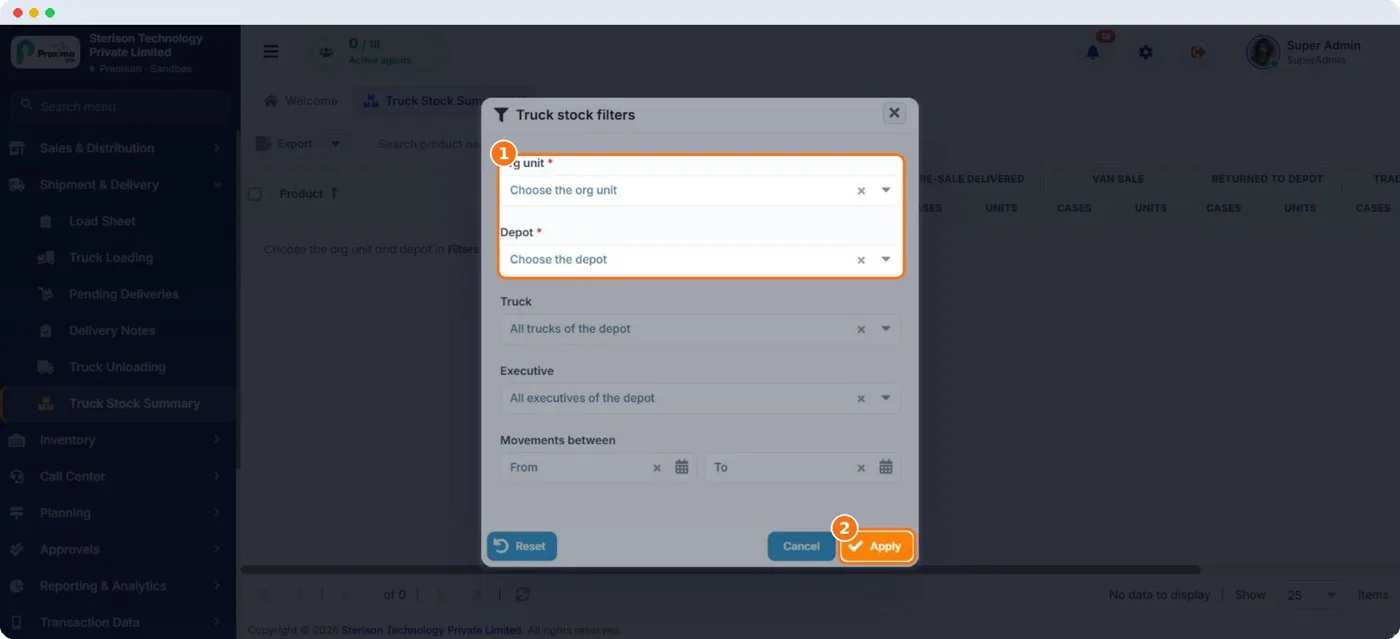
Several kinds of stock movement look alike but mean different things. Truck Stock Summary shows each one in its own column so the balance is easy to explain.
| Movement | What it is | Where it comes from |
|---|---|---|
| Loaded | Stock put on the truck from the depot. | Truck Loading |
| Pre sale delivered | Stock handed over for orders taken earlier. | Deliveries in the field app |
| Van sold | Stock sold straight from the van during visits. | Van sales in the field app |
| Returned to depot | Unsold, good stock taken off the truck at the end of the day. | Truck Unloading |
| Trade returns | Goods a shop returns from earlier invoices, such as damaged, expired or unsold market stock. The value is credited to the customer's wallet. | Trade return in the field app |
| Available | What is still on the truck. | Worked out from the movements above |
Important
Do not record a trade return as an unloading. Unloading is your own unsold stock. A trade return is the customer's stock coming back and changes what they owe.
Tip
The rep's phone refreshes truck stock at every sync, so a correction in Nexus reaches the van without a full resync.
Related guides: Truck Stock Summary · Trade Returns · Trade return (field app).
Still stuck?
Message our support team on WhatsApp in English, Tamil, Malayalam or Hindi.